
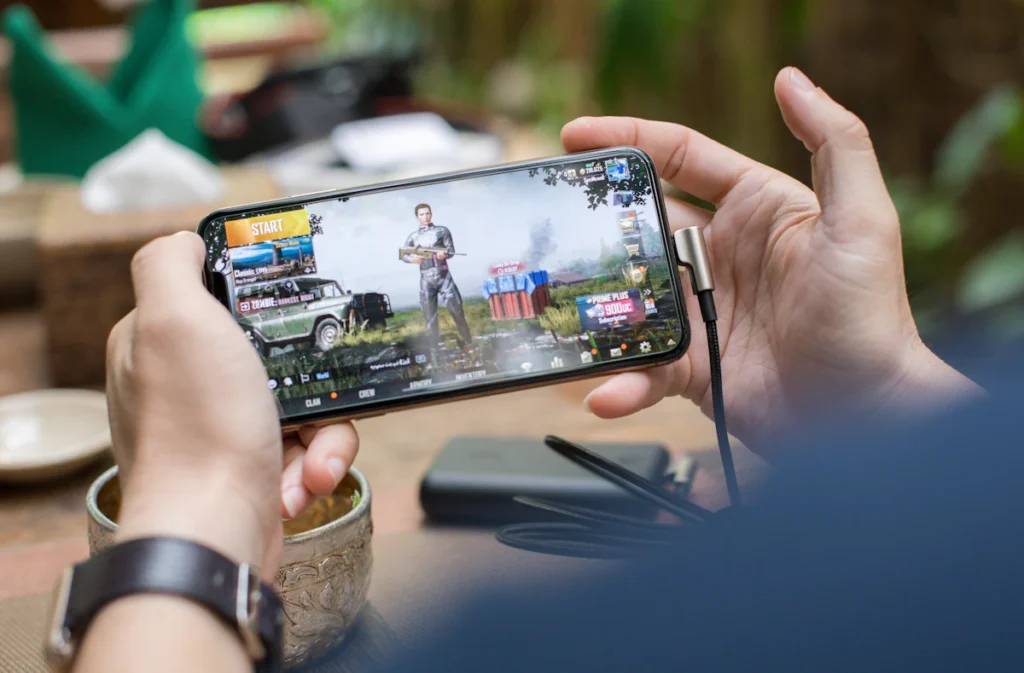
Mobile Gaming Safety: Purchases, Parental Controls and Account Protection
Mobile games can include chat, advertising, loot systems and in-app purchases. Android users can reduce accidental spending and unsuitable downloads through Google Play and Family Link controls.
Recommended settings
- Require authentication or parental approval for purchases.
- Set age-based content restrictions.
- Review app permissions and data-safety information.
- Use a unique password and account recovery options.
- Download games only from trusted stores.
Parents should also discuss online chat, friend requests and spending limits with children rather than relying on technical controls alone.
Read Google Play’s parental guide
Source: Google Play Help.